📋 Data Generator Documentation
Complete guide to using the Data Generator tool
Overview
The Data Generator tool helps you create realistic test data quickly and easily. It supports smart field correlation, multiple data types, and various export formats including JSON, CSV, and SQL.
Features
- Smart field correlation (firstName, lastName, fullName, email)
- Grade auto-calculation from marks
- Order-independent field processing
- Multiple data types: string, number, boolean
- Export formats: JSON, CSV, SQL
- Customizable field properties
- Pre-built templates
How to Use
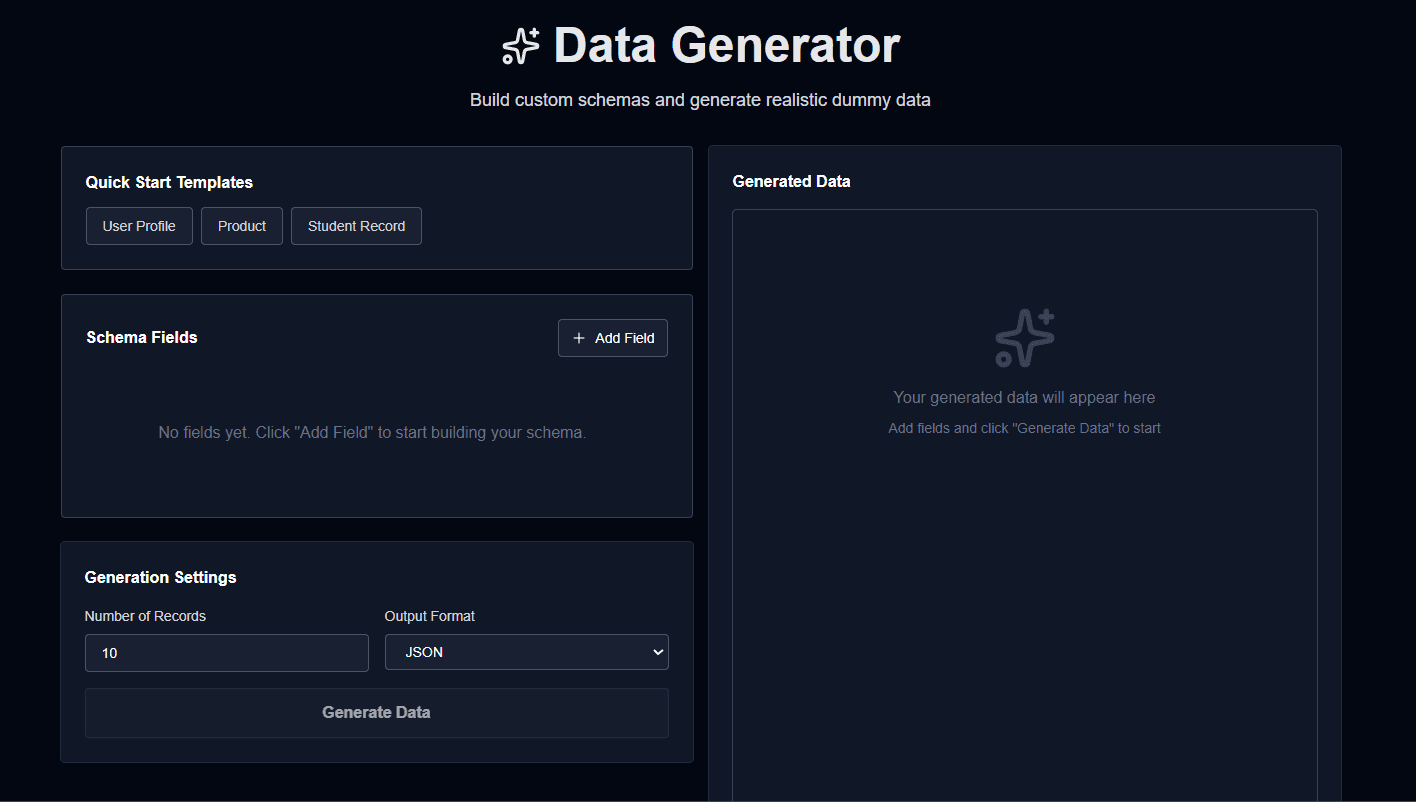
- Add fields by clicking "Add Field" button
- Configure each field with name, type, and specific options
- Set the number of records to generate (1-10,000)
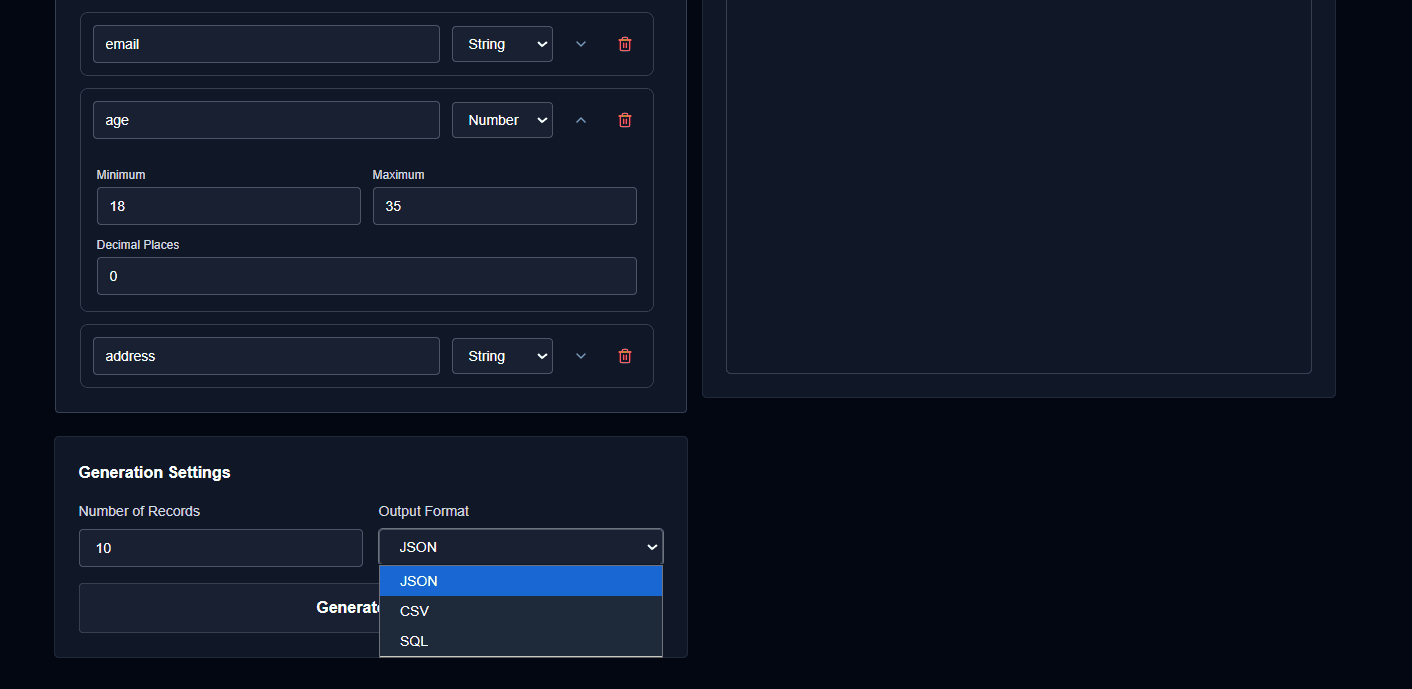
- Choose your export format (JSON, CSV, or SQL)
- Click "Generate Data" to create your dataset
- Download or copy the generated data
Field Types
String Types
text- Random lorem ipsum textsentence- Complete sentenceparagraph- Multi-sentence paragraphfirstName- First name onlylastName- Last name onlyfullName- Complete nameemail- Email addressphone- Phone numberaddress- Street addresscity- City namestate- State namegrade- Letter grade (S, A, B, C, D, E, F)gender- Male, Female, or Otherpassword- Secure password
Number Type
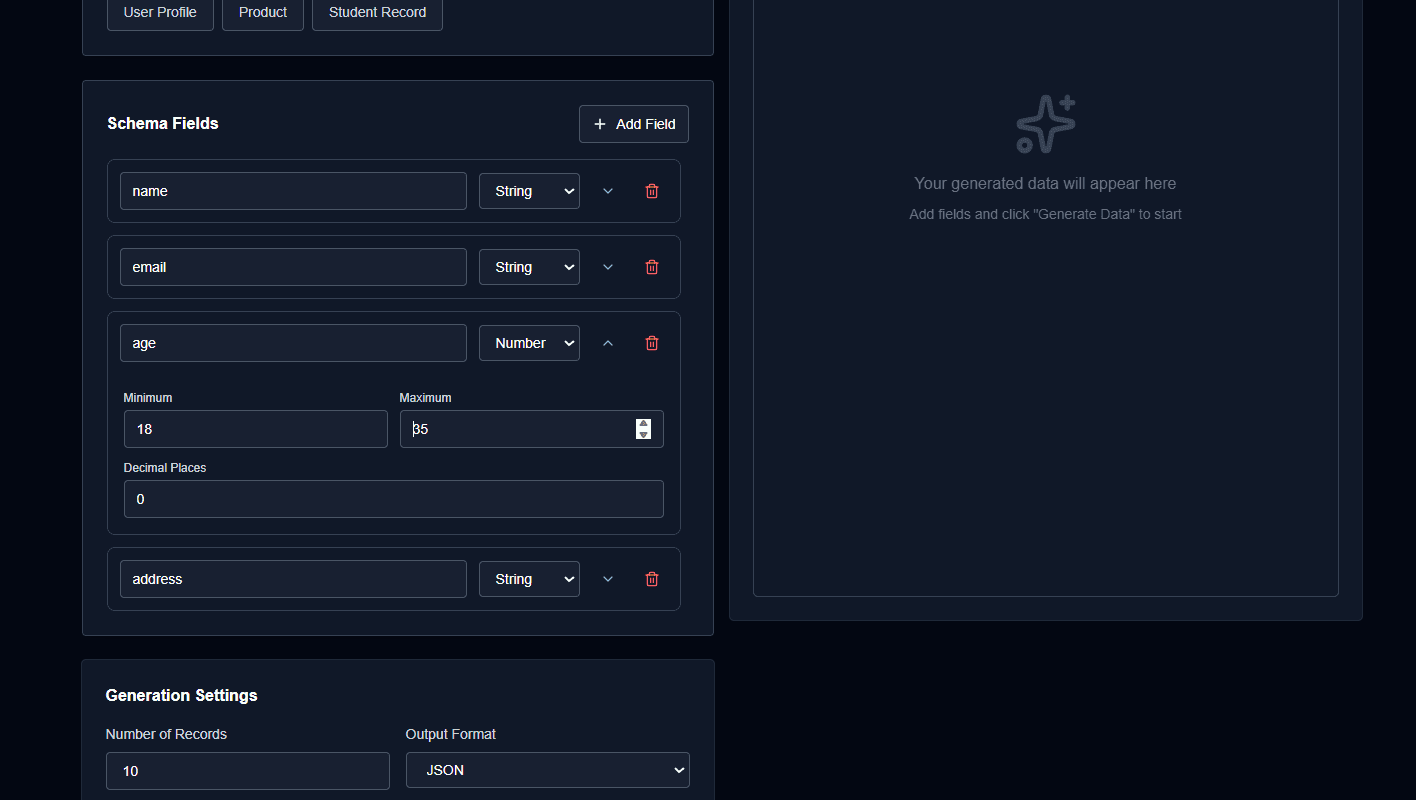
Configure min, max, and decimal places for numeric values.
Boolean Type
Generates random true/false values (or 1/0 for SQL format).
Smart Correlation
The tool automatically correlates related fields in any order:
- Names: firstName + lastName = fullName
- Email: Uses firstName if available
- Grades: Auto-calculated from marks (if present)
Export Formats
JSON
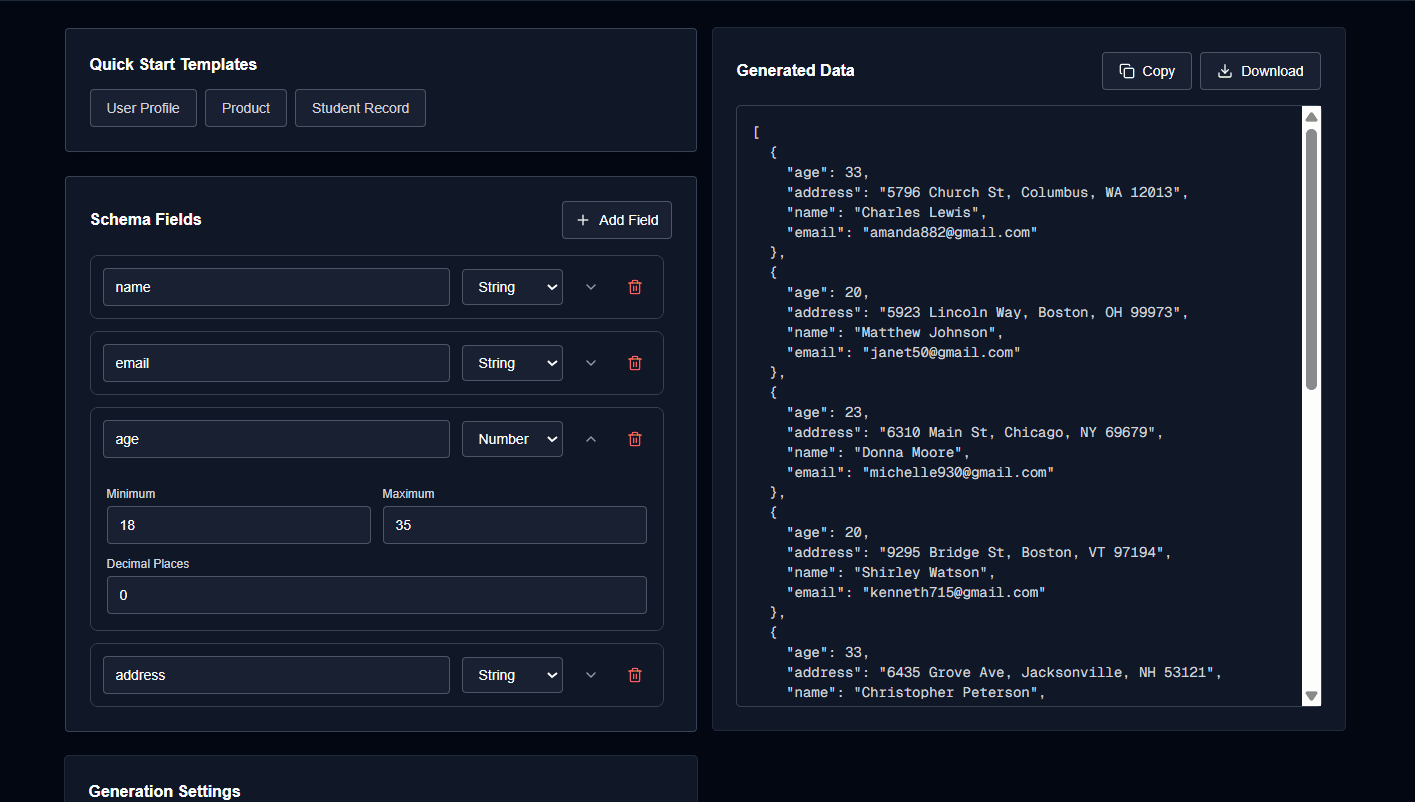
Returns an array of objects, perfect for APIs and web applications.
CSV
Comma-separated values format for spreadsheet applications.
SQL
INSERT statements ready to use in your database.