✨ Favicon Generator Documentation
Create professional favicons from text, emojis, or images in multiple sizes
Overview
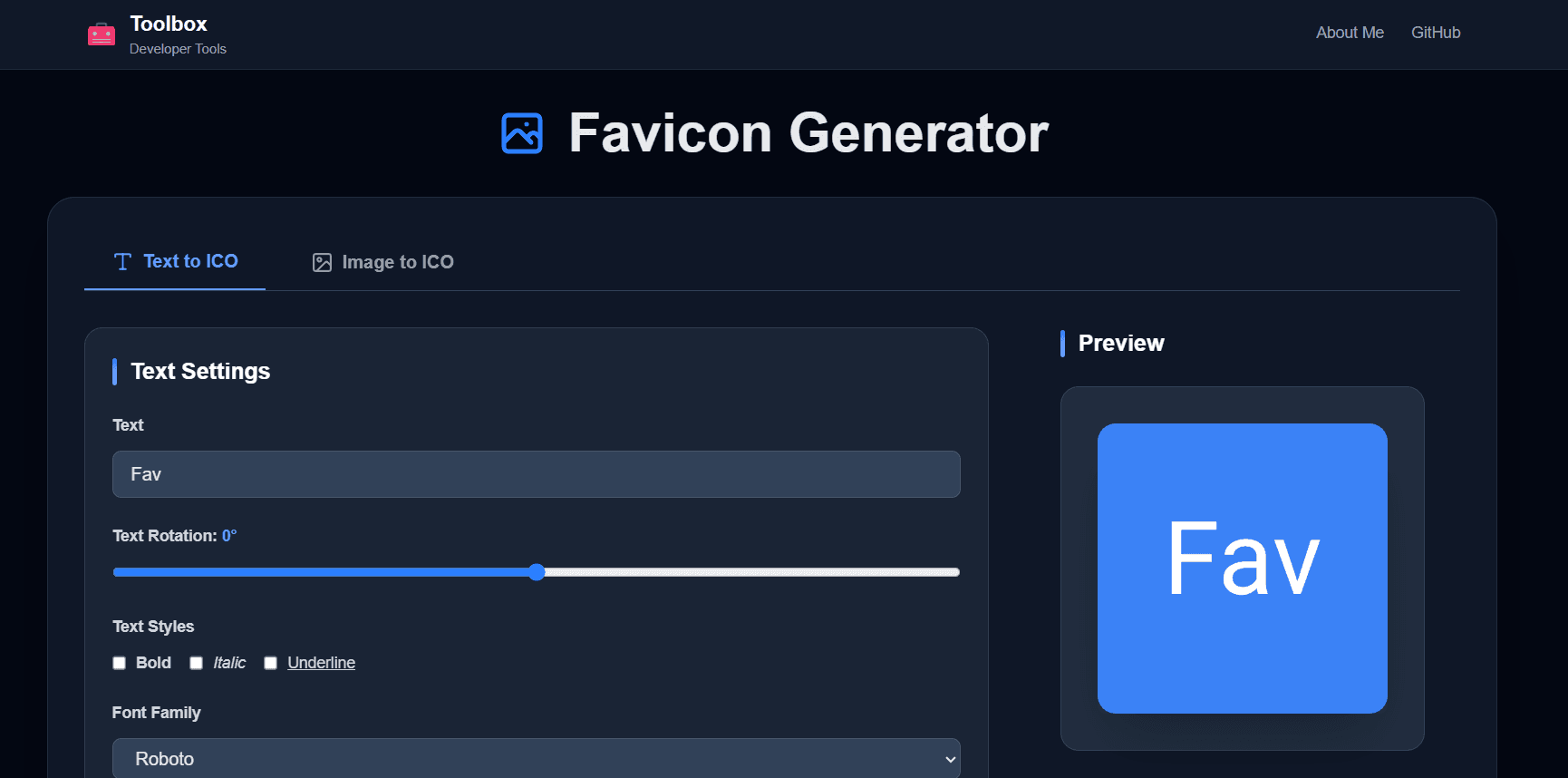
The Favicon Generator tool helps you create high-quality favicons for your website quickly and easily. Generate favicons from custom text, emojis, or upload your own images. Export in multiple standard sizes including 16x16, 32x32, 64x64, 192x192, 512x512, and Apple Touch Icon (180x180).
Features
- ✓ Create favicons from text, emojis, or images
- ✓ 50+ Google Fonts to choose from
- ✓ Full text customization (bold, italic, underline, rotation)
- ✓ Custom colors for text, background, and borders
- ✓ 8 border radius options (none to full circle)
- ✓ Optional border with adjustable thickness
- ✓ Live preview with real-time updates
- ✓ Export in 6 standard sizes
- ✓ Download individual sizes or all as ZIP
- ✓ Support for transparent backgrounds
Text Mode
Basic Settings
- • Text Content: Enter any text or emoji (e.g., "A", "🚀", "ABC")
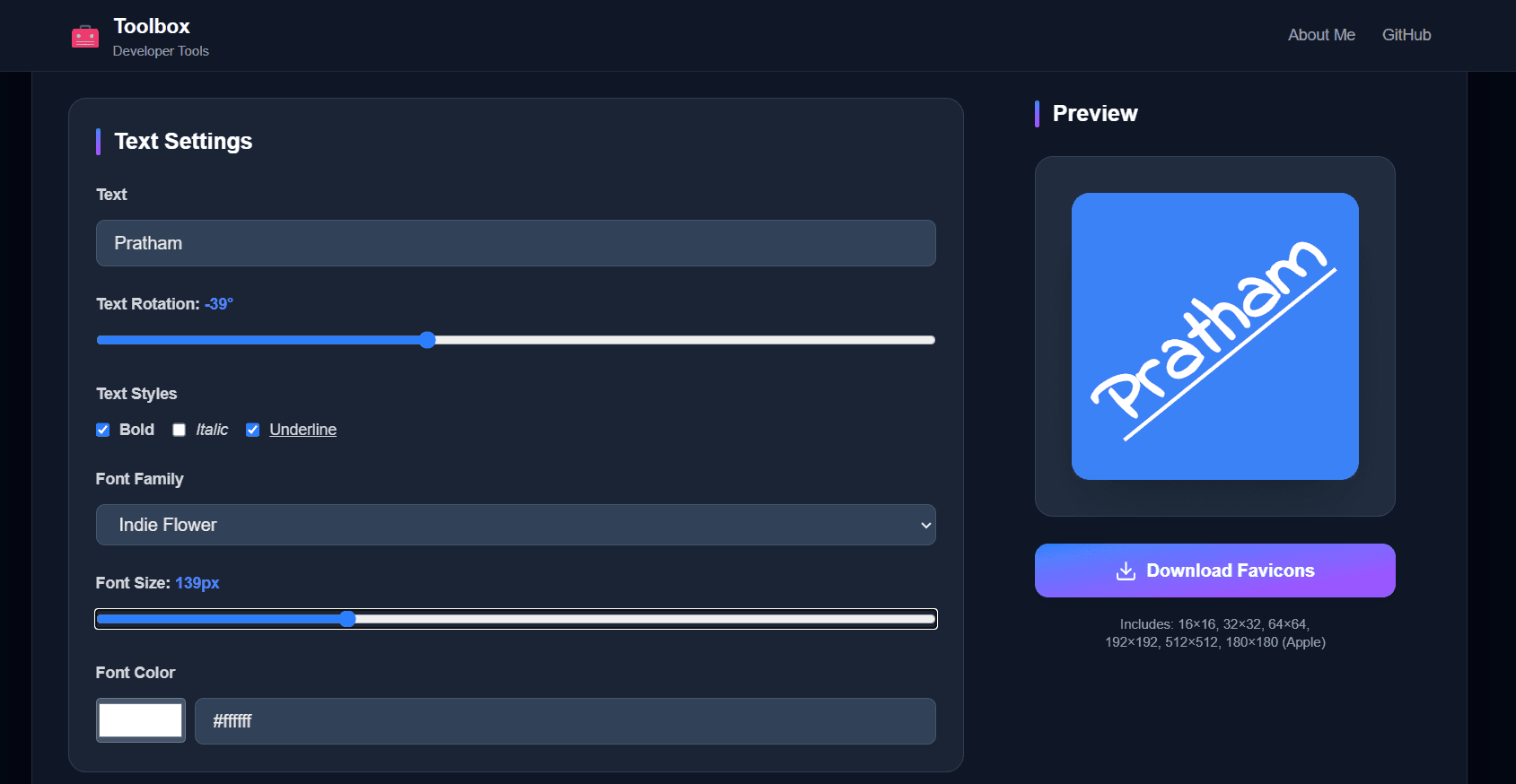
- • Font Family: Choose from 50+ Google Fonts
- • Font Size: Adjust from 20 to 300 pixels
- • Text Color: Pick any color using color picker
Text Styling
- • Bold: Make text bold for better visibility
- • Italic: Apply italic styling
- • Underline: Add underline to text
- • Rotation: Rotate text from -180° to +180°
Background & Border
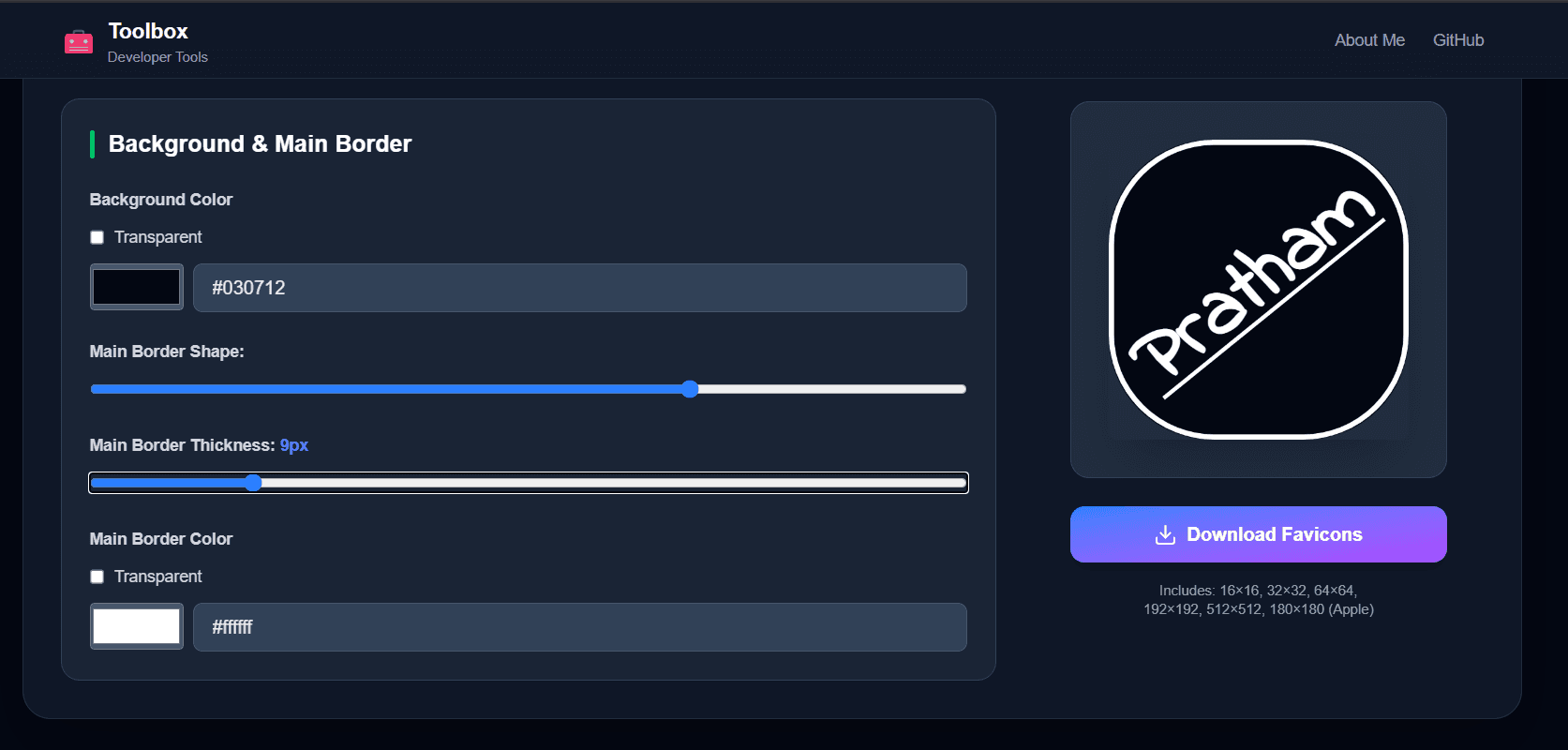
- • Background Color: Solid color or transparent
- • Border Radius: None, Small, Medium, Large, or Circle
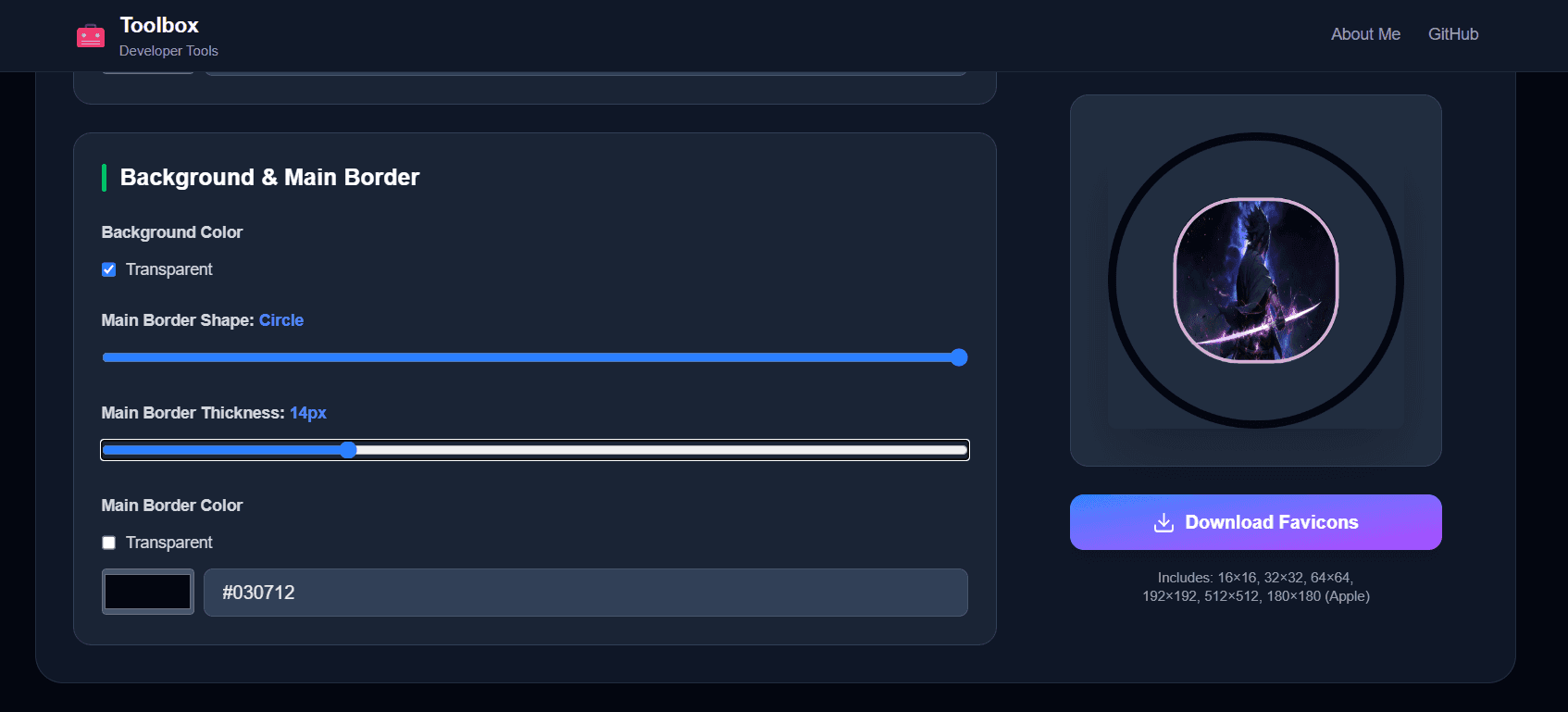
- • Border: Optional border with custom color and thickness
Image Mode
Upload & Configure
- • Upload Image: Support for PNG, JPG, JPEG, WebP, SVG
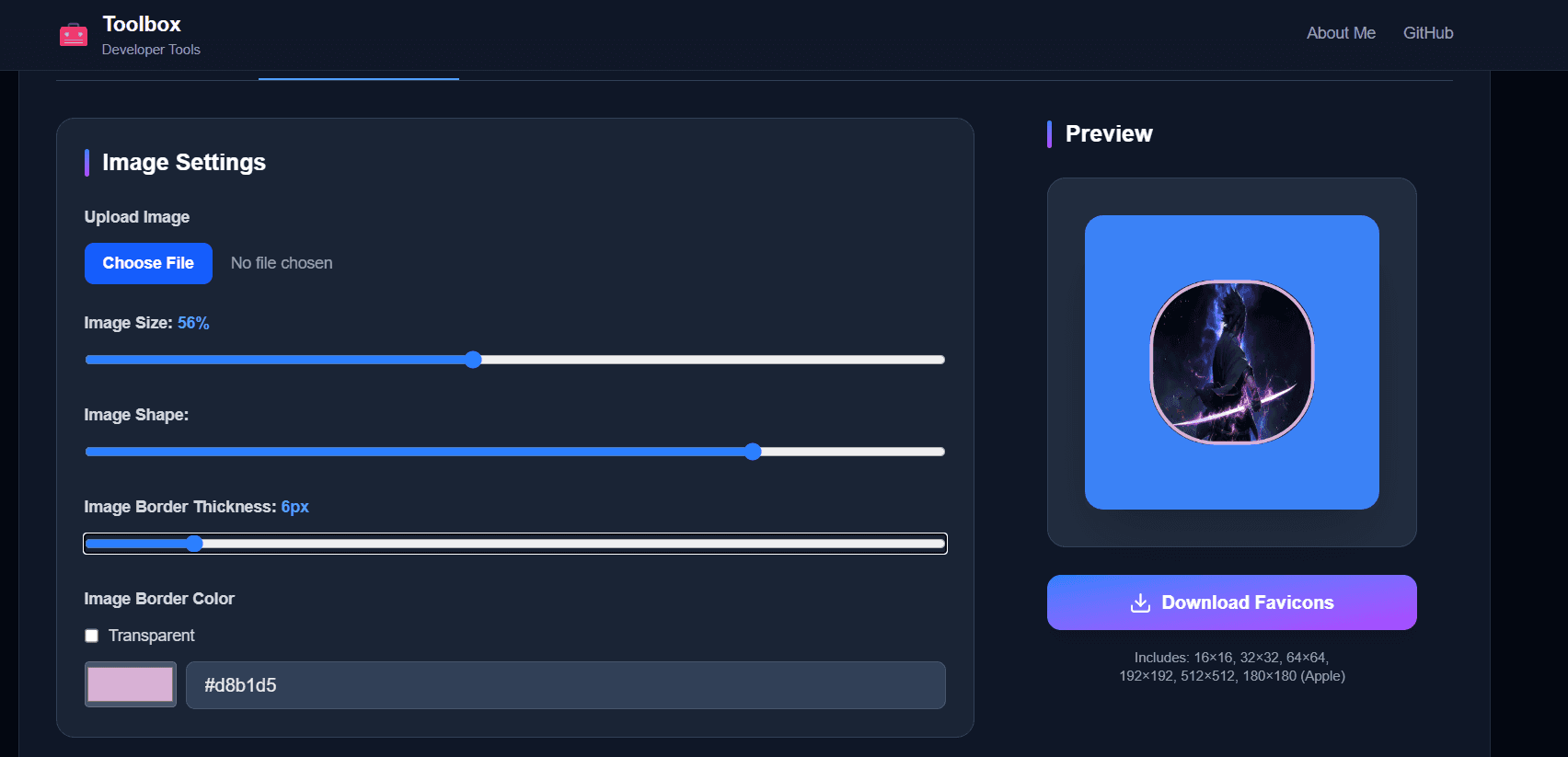
- • Image Size: Scale from 10% to 200%
- • Shape: Apply border radius to create rounded corners or circles
- • Background: Add custom background color behind image
Border Options
- • Border Thickness: 0-50 pixels
- • Border Color: Any color or transparent
- • Transparent Border: Toggle for transparent borders
Export Options
Available Sizes
- • favicon-16x16.png - Standard browser tab icon
- • favicon-32x32.png - High-resolution browser tab icon
- • favicon-64x64.png - Extra high-resolution icon
- • apple-touch-icon.png - 180x180 for iOS devices
- • android-chrome-192x192.png - Android home screen
- • android-chrome-512x512.png - High-res Android icon
Download Options
- • Individual Download: Download any size separately
- • Download All: Get all sizes packaged in a ZIP file
- • Preview Before Download: See exactly how your favicon looks in each size
Best Practices
- • Keep it Simple: Use 1-2 characters or a simple icon for clarity
- • High Contrast: Ensure good contrast between text/image and background
- • Test Sizes: Preview all sizes before downloading
- • Avoid Details: Small details get lost at 16x16 size
- • Use Bold Fonts: Bold text is more readable at small sizes
- • Consider Dark Mode: Test your favicon on both light and dark backgrounds
How to Use Generated Favicons
HTML Implementation
<!-- Place in your HTML <head> section -->
<link rel="icon" type="image/png" sizes="32x32" href="/favicon-32x32.png">
<link rel="icon" type="image/png" sizes="16x16" href="/favicon-16x16.png">
<link rel="apple-touch-icon" sizes="180x180" href="/apple-touch-icon.png">
<link rel="icon" type="image/png" sizes="192x192" href="/android-chrome-192x192.png">
<link rel="icon" type="image/png" sizes="512x512" href="/android-chrome-512x512.png">
File Placement
Place all downloaded favicon files in your website's root directory or public folder. For Next.js projects, place them in the public/ folder.