📋 Data Generator API
Generate realistic mock data programmatically via REST API
Endpoint
POSThttps://pk-toolbox.vercel.app/api/data-generateRequest Schema
Required Fields
{
  "id": number,        // Unique identifier
  "name": string,      // Field name in output
  "type": "string" | "number" | "boolean"
}
Optional String Properties
{
  "stringType"?: "text" | "sentence" | "firstName" | "email" | ...,
  "minWords"?: number,
  "maxWords"?: number,
  "startsWith"?: string,
  "endsWith"?: string,
  "emailDomain"?: string,
  "passwordAlphabets"?: number,
  "passwordNumbers"?: number,
  "passwordSymbols"?: number
}
Optional Number Properties
{
  "min"?: number,
  "max"?: number,
  "decimals"?: number
}
Example Request
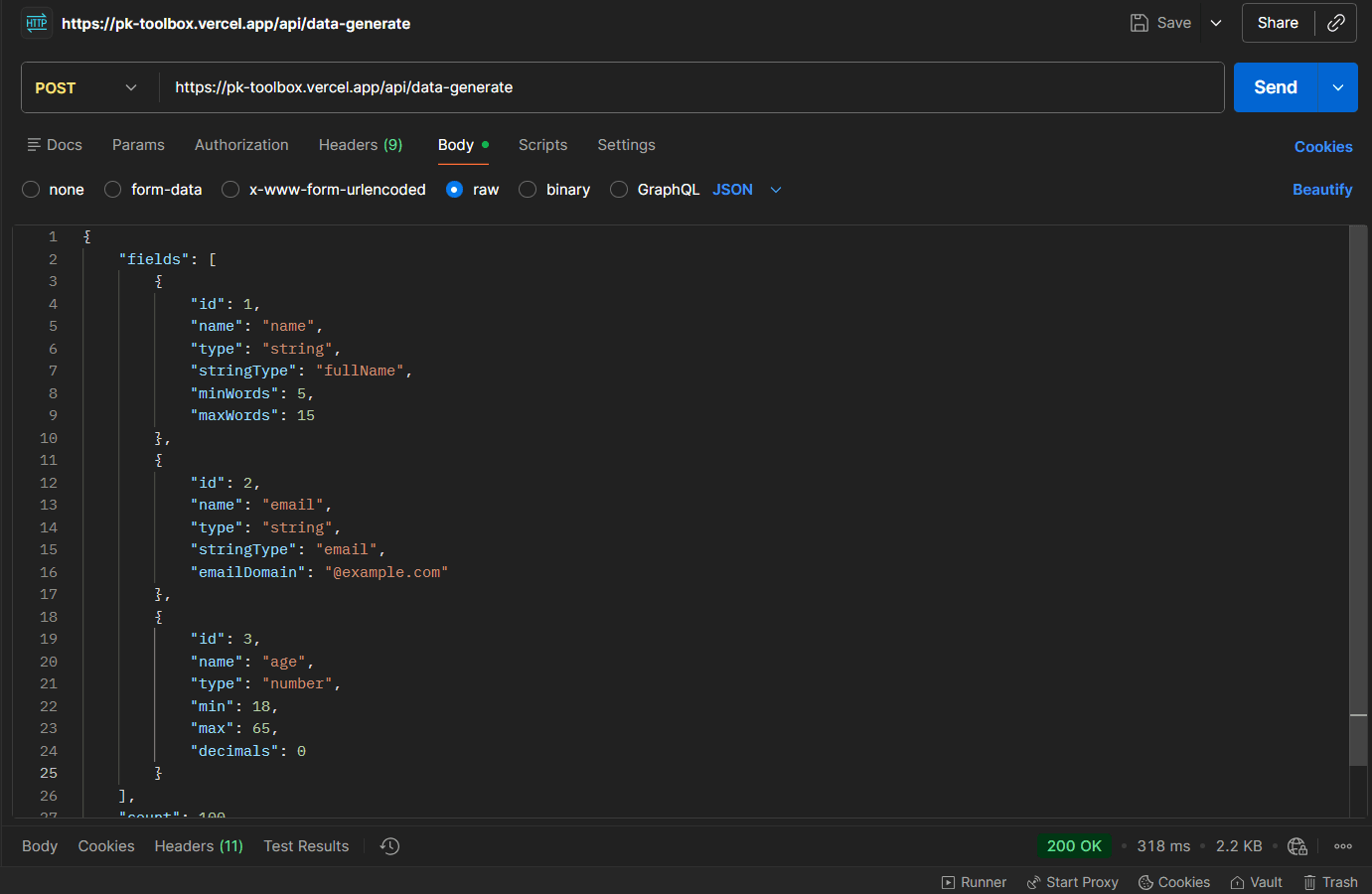
{
  "fields": [
    {
      "id": 1,
      "name": "name",
      "type": "string",
      "stringType": "fullName"
    },
    {
      "id": 2,
      "name": "email",
      "type": "string",
      "stringType": "email",
      "emailDomain": "@example.com"
    },
    {
      "id": 3,
      "name": "age",
      "type": "number",
      "min": 18,
      "max": 65,
      "decimals": 0
    }
  ],
  "count": 100,
  "format": "json"
}
Example Response
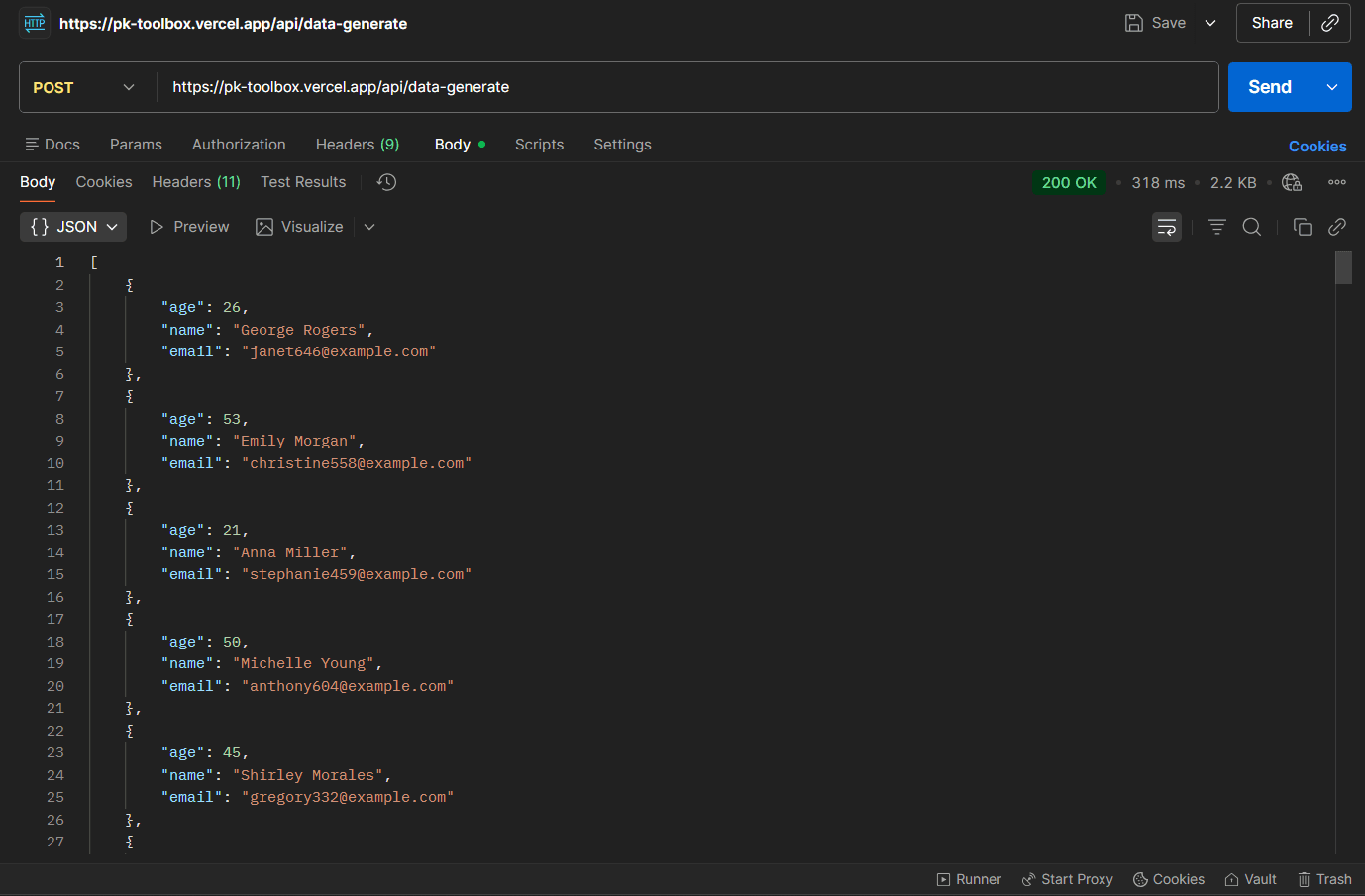
[
  {
    "name": "John Smith",
    "email": "john.smith@example.com",
    "age": 45
  },
  {
    "name": "Mary Johnson",
    "email": "mary.johnson@example.com",
    "age": 32
  }
]
Code Examples
cURL
curl -X POST https://pk-toolbox.vercel.app/api/data-generate \
  -H "Content-Type: application/json" \
  -d '{
    "fields": [
      {"id": 1, "name": "name", "type": "string", "stringType": "fullName"}
    ],
    "count": 10,
    "format": "json"
  }'
JavaScript
const response = await fetch('https://pk-toolbox.vercel.app/api/data-generate', {
  method: 'POST',
  headers: { 'Content-Type': 'application/json' },
  body: JSON.stringify({
    fields: [
      { id: 1, name: 'name', type: 'string', stringType: 'fullName' }
    ],
    count: 10,
    format: 'json'
  })
});

const data = await response.json();
console.log(data);
Python
import requests

response = requests.post(
    'https://pk-toolbox.vercel.app/api/data-generate',
    json={
        'fields': [
            {'id': 1, 'name': 'name', 'type': 'string', 'stringType': 'fullName'}
        ],
        'count': 10,
        'format': 'json'
    }
)

data = response.json()
print(data)