🔄 cURL ⇄ Fetch Converter Documentation
Convert between cURL commands and JavaScript fetch requests seamlessly
Overview
The cURL ⇄ Fetch Converter is a bidirectional tool that converts between cURL commands and JavaScript fetch API requests. Perfect for developers who need to quickly switch between command-line testing and browser-based code, or vice versa.
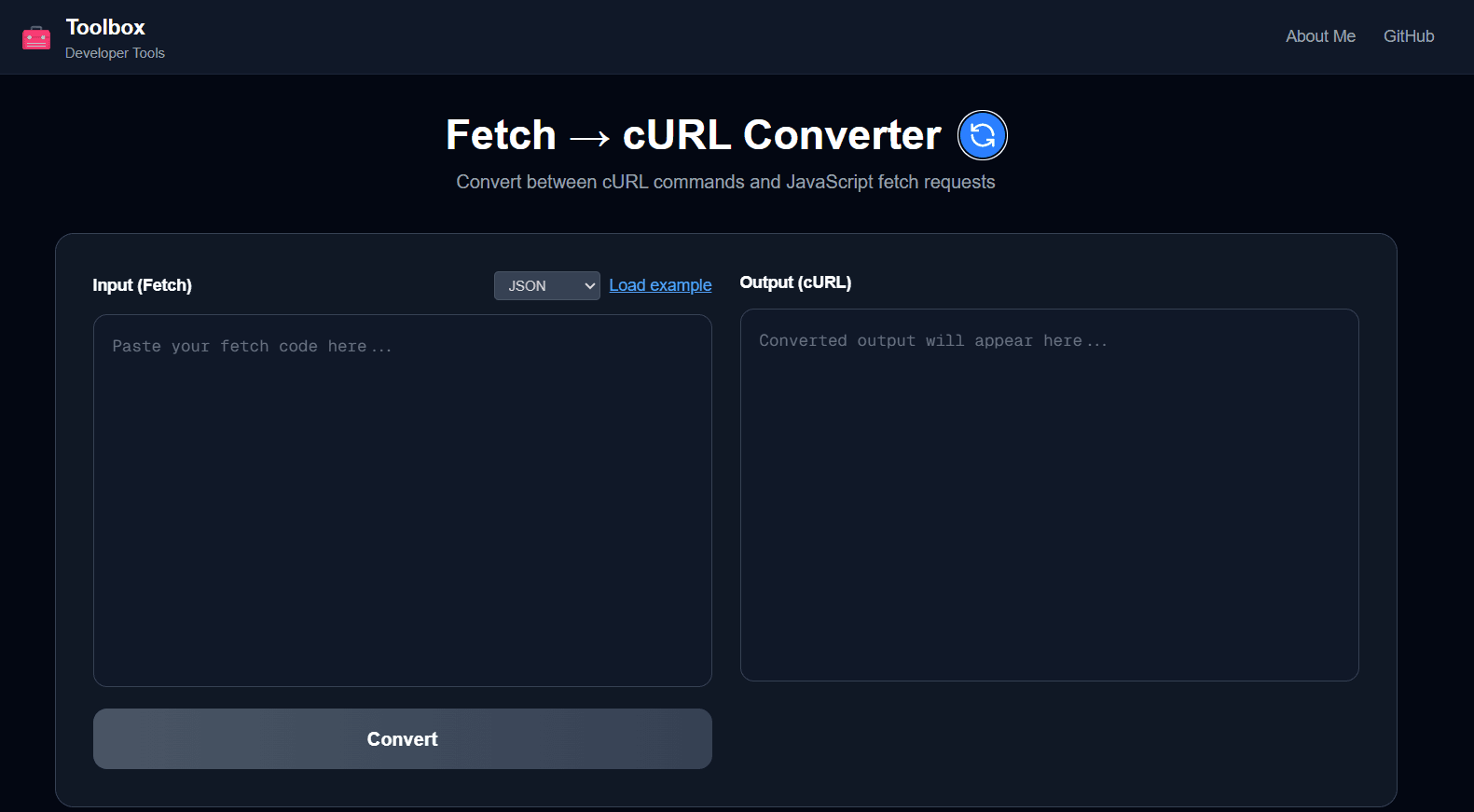
Features
- ✓ Bidirectional conversion (cURL ↔ Fetch)
- ✓ Support for all HTTP methods (GET, POST, PUT, DELETE, PATCH, etc.)
- ✓ Custom headers conversion
- ✓ JSON request body handling
- ✓ FormData/Multipart form support
- ✓ File upload handling in FormData
- ✓ Query parameters preservation
- ✓ Bearer token authentication
- ✓ Content-Type auto-detection
- ✓ One-click copy to clipboard
- ✓ Pre-loaded examples for quick testing
- ✓ Real-time conversion
How to Use
Converting cURL to Fetch
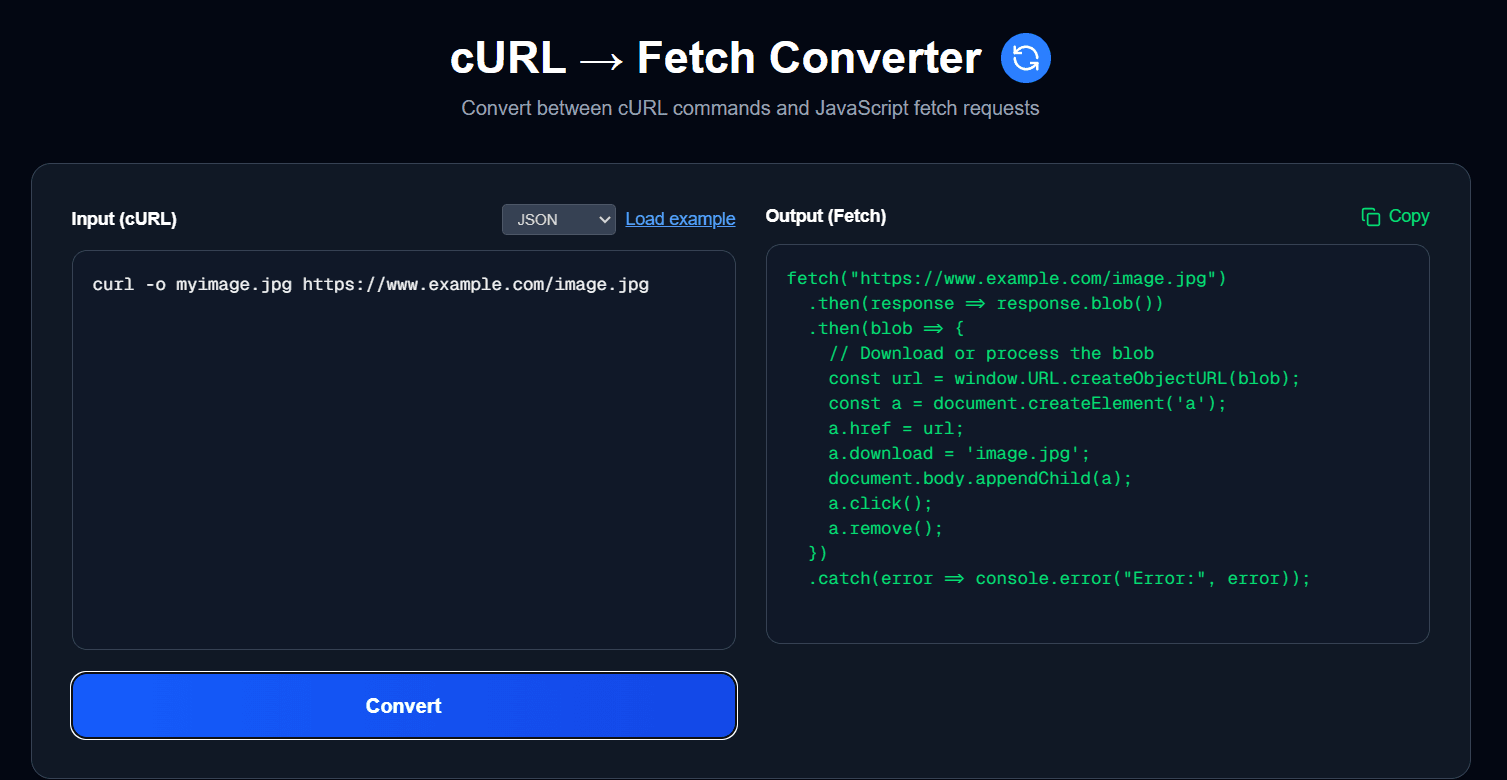
- 1. Select "cURL → Fetch" mode
- 2. Paste your cURL command in the input box
- 3. The JavaScript fetch code appears instantly in the output box
- 4. Click the Copy button to copy the fetch code
- 5. Use the code in your JavaScript/TypeScript project
Converting Fetch to cURL
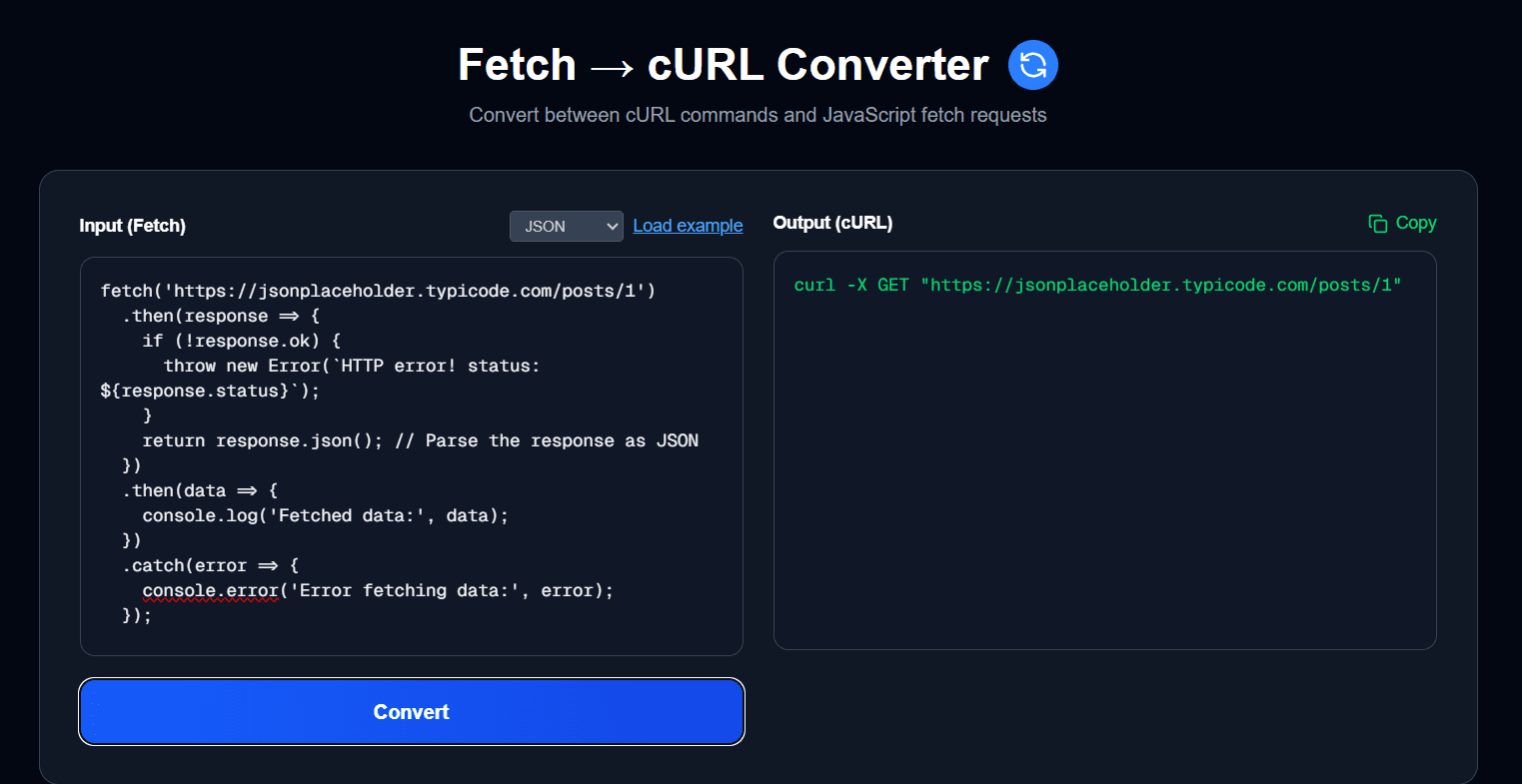
- 1. Select "Fetch → cURL" mode
- 2. Paste your JavaScript fetch code in the input box
- 3. The equivalent cURL command appears in the output box
- 4. Click the Copy button to copy the cURL command
- 5. Run the command in your terminal
Supported Features
HTTP Methods
All standard HTTP methods are supported:
- • GET - Retrieve data
- • POST - Submit data
- • PUT - Update/replace data
- • PATCH - Partially update data
- • DELETE - Remove data
- • HEAD - Get headers only
- • OPTIONS - Get supported methods
Headers
Automatically converts all custom headers between formats:
cURL Format:
-H 'Content-Type: application/json'
-H 'Authorization: Bearer token123'
-H 'X-Custom-Header: value'
Fetch Format:
headers: {
  'Content-Type': 'application/json',
  'Authorization': 'Bearer token123',
  'X-Custom-Header': 'value'
}
Request Body (JSON)
Converts JSON payloads between cURL and fetch formats:
cURL Format:
-d '{"name":"John","age":30}'Fetch Format:
body: JSON.stringify({
  name: 'John',
  age: 30
})
FormData / Multipart
Handles multipart form data including file uploads:
cURL Format:
-F 'file=@photo.jpg'
-F 'name=John'
-F 'email=john@example.com'
Fetch Format:
const formData = new FormData();
formData.append('file', file);
formData.append('name', 'John');
formData.append('email', 'john@example.com');

body: formData
Examples
Example 1: Simple GET Request
cURL:
curl -X GET 'https://api.example.com/users' \
  -H 'Authorization: Bearer your-token-here'
Fetch:
fetch('https://api.example.com/users', {
  method: 'GET',
  headers: {
    'Authorization': 'Bearer your-token-here'
  }
})
Example 2: POST with JSON Body
cURL:
curl -X POST 'https://api.example.com/users' \
  -H 'Content-Type: application/json' \
  -H 'Authorization: Bearer your-token' \
  -d '{"name":"John Doe","email":"john@example.com","age":30}'
Fetch:
fetch('https://api.example.com/users', {
  method: 'POST',
  headers: {
    'Content-Type': 'application/json',
    'Authorization': 'Bearer your-token'
  },
  body: JSON.stringify({
    name: 'John Doe',
    email: 'john@example.com',
    age: 30
  })
})
Example 3: Multipart Form with File Upload
cURL:
curl -X POST 'https://api.example.com/upload' \
  -H 'Authorization: Bearer your-token' \
  -F 'file=@document.pdf' \
  -F 'title=My Document' \
  -F 'description=Important file'
Fetch:
const formData = new FormData();
formData.append('file', fileInput.files[0]); // File object
formData.append('title', 'My Document');
formData.append('description', 'Important file');

fetch('https://api.example.com/upload', {
  method: 'POST',
  headers: {
    'Authorization': 'Bearer your-token'
  },
  body: formData
})
Common Use Cases
- Testing APIs: Convert documentation cURL examples to fetch for use in your frontend code
- Debugging: Convert fetch requests to cURL for testing in terminal/Postman
- Documentation: Provide both cURL and JavaScript examples for API users
- Learning: Understand the relationship between cURL commands and fetch API
- Quick Prototyping: Test API endpoints in browser DevTools
- CI/CD Scripts: Convert fetch requests to cURL for automation scripts
Tips & Best Practices
- • Line Continuations: cURL supports backslash
\for multi-line commands - • Quote Handling: Use single quotes in cURL to avoid shell interpretation
- • JSON Formatting: The tool pretty-prints JSON for better readability
- • FormData Files: In fetch, use
fileInput.files[0]for file uploads - • Content-Type: FormData automatically sets the correct Content-Type with boundary
- • Authentication: Bearer tokens are preserved in both directions
- • Error Handling: Add error handling when using the generated fetch code in production
Handling Fetch Responses
The converter generates the fetch request, but you'll need to handle the response. Here's a complete example:
// Generated fetch request
fetch('https://api.example.com/users', {
  method: 'POST',
  headers: {
    'Content-Type': 'application/json'
  },
  body: JSON.stringify({ name: 'John' })
})
// Add response handling
.then(response => {
  if (!response.ok) {
    throw new Error(`HTTP error! status: ${response.status}`);
  }
  return response.json();
})
.then(data => {
  console.log('Success:', data);
})
.catch(error => {
  console.error('Error:', error);
});

// Or with async/await
try {
  const response = await fetch('https://api.example.com/users', {
    method: 'POST',
    headers: {
      'Content-Type': 'application/json'
    },
    body: JSON.stringify({ name: 'John' })
  });

  if (!response.ok) {
    throw new Error(`HTTP error! status: ${response.status}`);
  }

  const data = await response.json();
  console.log('Success:', data);
} catch (error) {
  console.error('Error:', error);
}
Limitations
- • File References: cURL file paths (e.g.,
@file.jpg) are converted to placeholder comments in fetch - • Advanced cURL Options: Some advanced cURL flags (e.g.,
--compressed,--insecure) may not have direct fetch equivalents - • Cookie Handling: Complex cookie scenarios may require additional handling
- • Proxy Settings: Proxy configurations in cURL are not converted