💻 Multi-Language Compiler Documentation
A powerful browser-based code compiler with real-time execution and Monaco Editor integration
Overview
The Multi-Language Compiler provides an in-browser code editing and execution environment powered by Monaco Editor (the same editor that powers VS Code). It offers syntax highlighting, code completion, and real-time output for multiple programming languages. JavaScript runs directly in the browser with no timeout limits, while other languages use the free, keyless Wandbox API for compilation and execution.
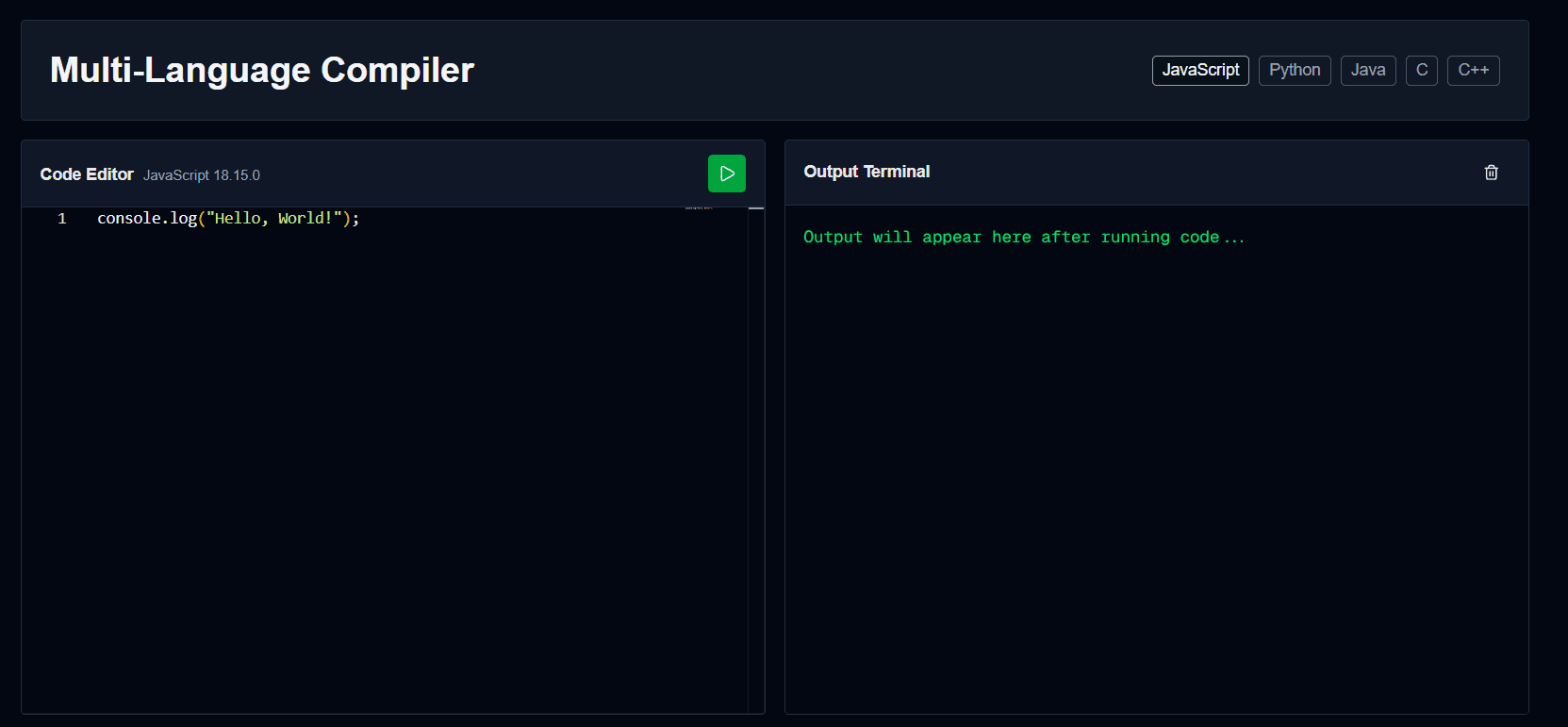
Key Features
- 🌐Browser-based JavaScript Execution - No timeout limits, runs locally in your browser
- ✨Monaco Editor Integration - Professional code editing with IntelliSense and auto-completion
- 🔧Multi-language Support - JavaScript, Python, Java, C, and C++
- ⚡Real-time Console Output - See results as they happen during code execution
- 🎨Custom Dark Theme - Oceanic theme for comfortable coding
Supported Languages
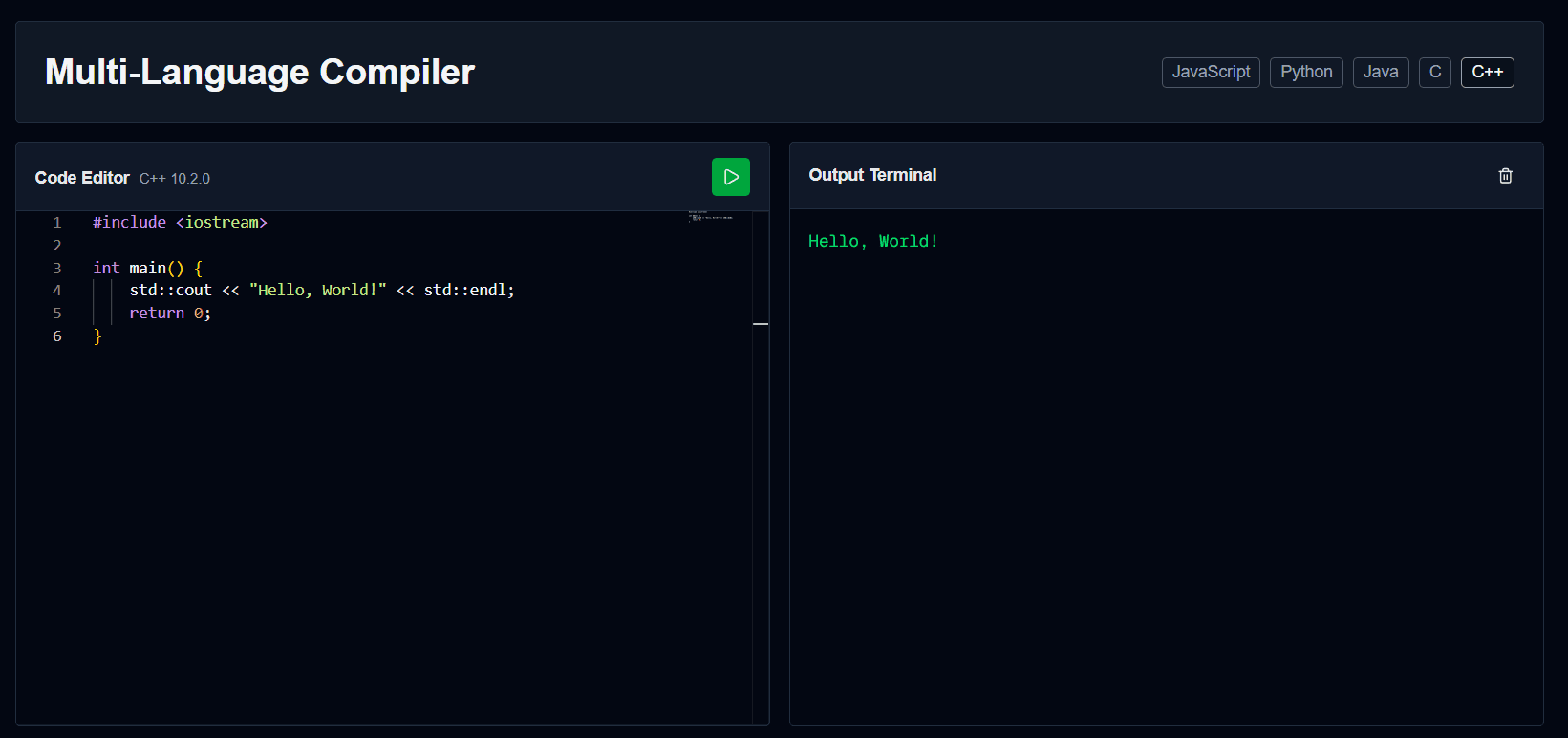
| Language | Version | Execution Method | Timeout |
|---|---|---|---|
| JavaScript | ES2020+ | Browser (AsyncFunction) | None ✓ |
| Python | CPython 3.14.0 | Wandbox API | ~2 seconds |
| Java | OpenJDK 22 | Wandbox API | ~2 seconds |
| C | GCC 13.2.0 | Wandbox API | ~2 seconds |
| C++ | GCC 13.2.0 | Wandbox API | ~2 seconds |
How It Works
JavaScript Execution Flow
User Code → Monaco Editor → AsyncFunction Wrapper → Browser Execution
                                                  ↓
                                   Console Override
                                                  ↓
Real-time Output Display- User writes JavaScript code in Monaco Editor
- Code is wrapped in an async IIFE (Immediately Invoked Function Expression)
- Console methods are overridden to capture output
- Code executes in the browser using AsyncFunction constructor
- Each console.log immediately updates the output panel
- After execution completes, console is restored
Other Languages Execution Flow
User Code → Monaco Editor → /api/compile Proxy → Wandbox API → Remote Compilation
                                                  ↓
                                     Execution Result
                                                  ↓
Output Display- User writes code in Monaco Editor
- Code is sent to the app's own
/api/compileroute - The proxy forwards the request to Wandbox with a compiler name and source code (Java submissions have their public class renamed to
prog, since Wandbox always compiles Java asprog.java) - Wandbox compiles and executes code in a secure sandbox — no API key required
- stdout, stderr, compile errors, and exit status are returned and displayed
Usage Examples
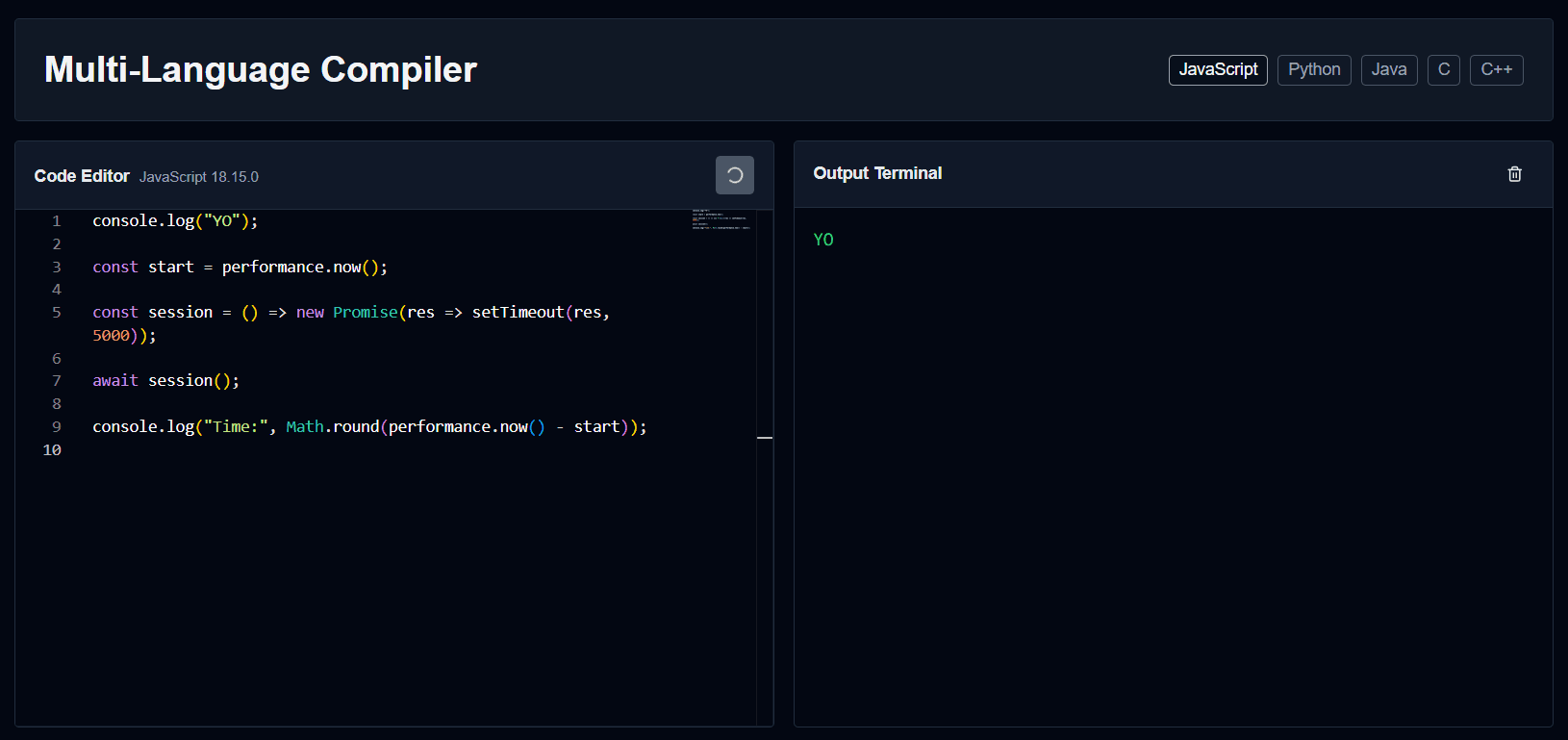
JavaScript - Async Operations
async function session() {
  console.log("Start:", Date.now());
  return new Promise((resolve) => {
    setTimeout(() => {
      console.log("End:", Date.now());
      resolve();
    }, 1000);
  });
}

await session();
✓ Supports async/await, Promises, and setTimeout without any timeout restrictions
Python - Basic Output
def greet(name):
    return f"Hello, {name}!"

print(greet("World"))
for i in range(1, 4):
    print(f"Count: {i}")
Java - Class Example
public class Main {
    public static void main(String[] args) {
        System.out.println("Hello from Java!");
        for(int i = 1; i <= 3; i++) {
            System.out.println("Count: " + i);
        }
    }
}
ℹ️ The public class can be named anything in the editor — the proxy renames it to prog before sending it to Wandbox
C - Loop Example
#include <stdio.h>

int main() {
    printf("Hello from C!\n");
    int sum = 0;
    for(int i = 1; i <= 5; i++) {
        sum += i;
    }
    printf("Sum of 1 to 5: %d\n", sum);
    return 0;
}
Monaco Editor Features
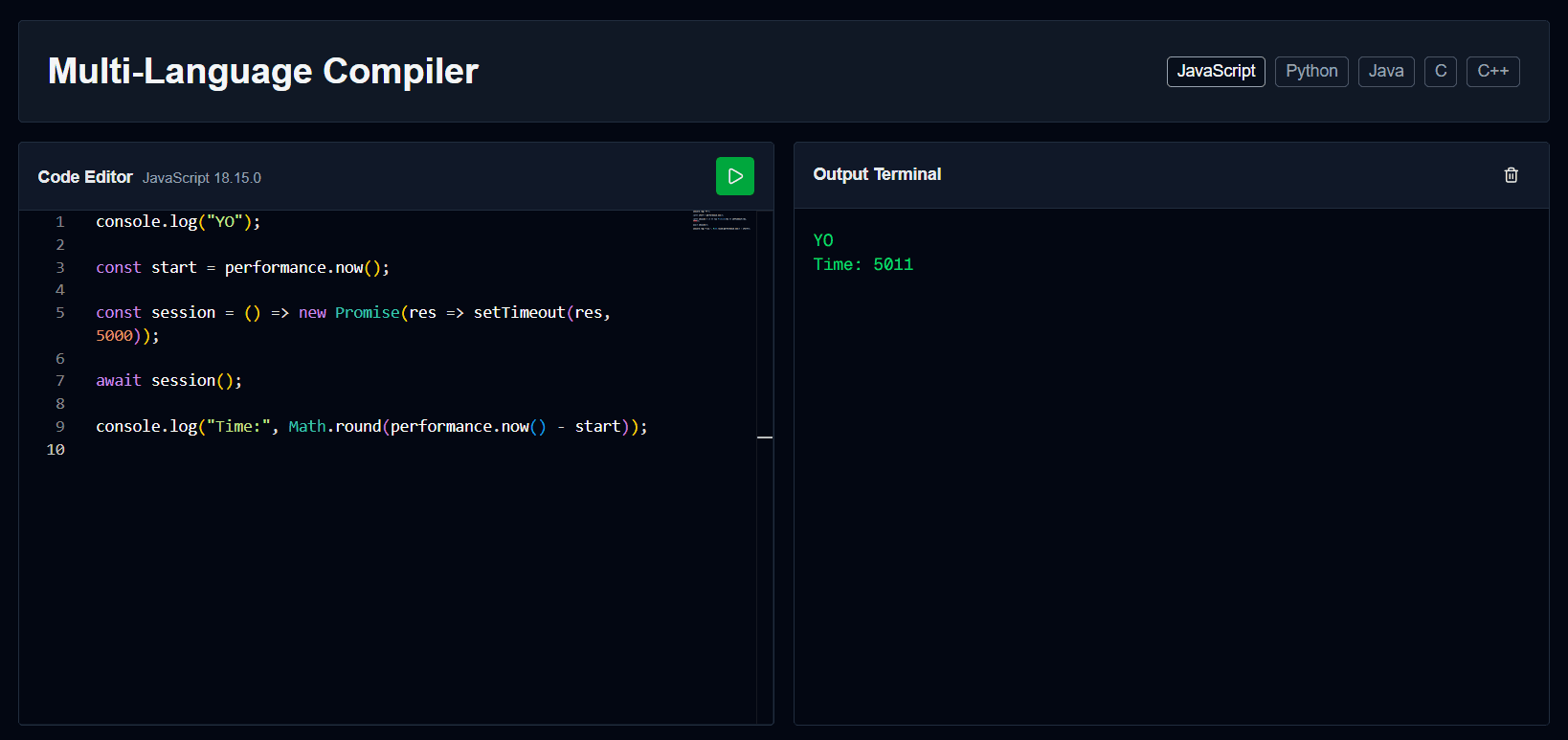
- Syntax highlighting for all supported languages
- IntelliSense and auto-completion
- Line numbers and minimap for navigation
- Code folding and bracket matching
- Customizable font size and word wrap
- Custom "oceanic-theme" based on VS Dark
Technical Implementation
JavaScript Execution
// Wrap user code in async IIFE
const wrappedCode = `
  return (async () => {
    ${code}
  })();
`;

// Execute using AsyncFunction
const AsyncFunction = Object.getPrototypeOf(
  async function(){}
).constructor;
const fn = new AsyncFunction(wrappedCode);
await fn();
Console Override
console.log = (...args) => {
  const message = args.map(arg =>
    typeof arg === 'object'
      ? JSON.stringify(arg, null, 2)
      : String(arg)
  ).join(' ');
  // Update output in real-time
  setOutput(prev => prev + message + '\n');
};
Wandbox API Integration
// Client calls our own proxy route
const response = await fetch('/api/compile', {
  method: 'POST',
  headers: { 'Content-Type': 'application/json' },
  body: JSON.stringify({
    compiler: config.wandboxCompiler,
    code
  })
});

// /api/compile forwards to Wandbox server-side:
// POST https://wandbox.org/api/compile.json
// body: { compiler, code }
// (no API key needed — Wandbox is a free, open service)